A request comes in
The workflow starts where the resident's request enters.
 NORIKERAll demos
The agent finds overdue cases, routes each one to approve, request information, or escalate, and sends the right document.
FinBlade AI · Produced by ICS Nett · Sample data
See this with your own dataService requests pile up behind missing information and unclear ownership. Staff spend their time working out the status of a case. Residents wait, and the overdue list grows.
Every case gets the next action it needs and a document to match. Supervisors see every case behind schedule in one escalation report, with the action required.
The workflow starts where the resident's request enters.
It reports the open high-priority grievances past their service level, each with its department, days overdue, and what it waits on.
Three outcomes: ready for approval, missing information, or exception escalation.
Each route builds its own document and sends it by email to the right recipient.
This Workflow AI government-based use case handles citizen requests end-to-end, from the complaint to the decision and the letter that follows. It starts at the User Input node, the bridge between the citizen and the workflow, carrying each request in from the front end. A super agent picks it up. Ask it for an outcome, and it chooses its own tools, working from its skills and the case file attached to it. Here, it reports 17 open high and urgent grievances past their service level agreement, each with its reference, the department, the days overdue, and what it is waiting on. The decision node then evaluates the request against the case and routes it. 3 outcomes: ready for approval, missing information, or exception escalation. Each route builds its own document, converted straight to PDF, an approval summary, a missing information notice, or an escalation report. And each one goes out by email, with the subject, the recipient, and the attachment all set on the node. The escalation report lists every case behind schedule, with the department, the days overdue, and the action required. One request in, and the right decision, the right document, and the right notification out.
Company names, people, and figures in these demos are illustrative. Your configuration, data access, and deployment are defined during scoping.
 1:55
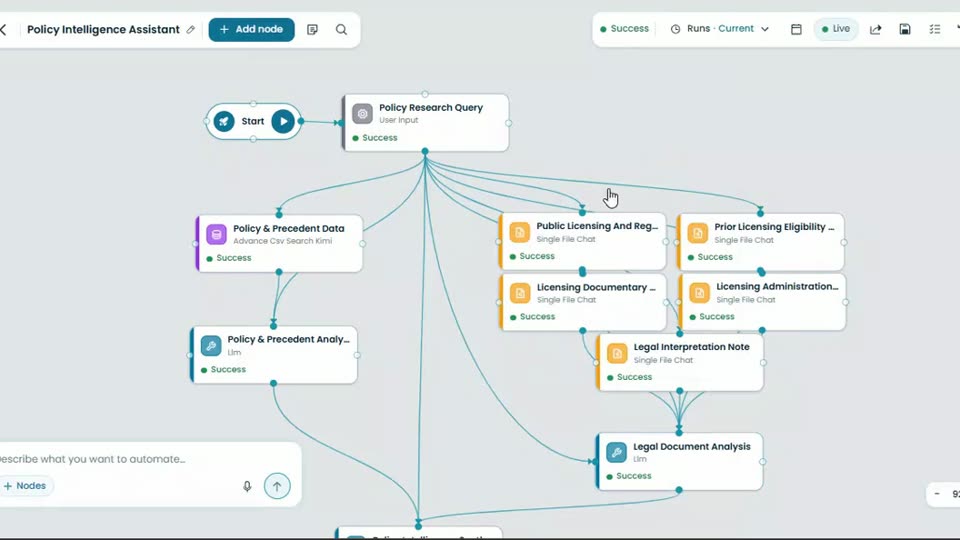
Ask which positions rely on rules no longer in force. Every claim is cited back to its page.
Explore this demo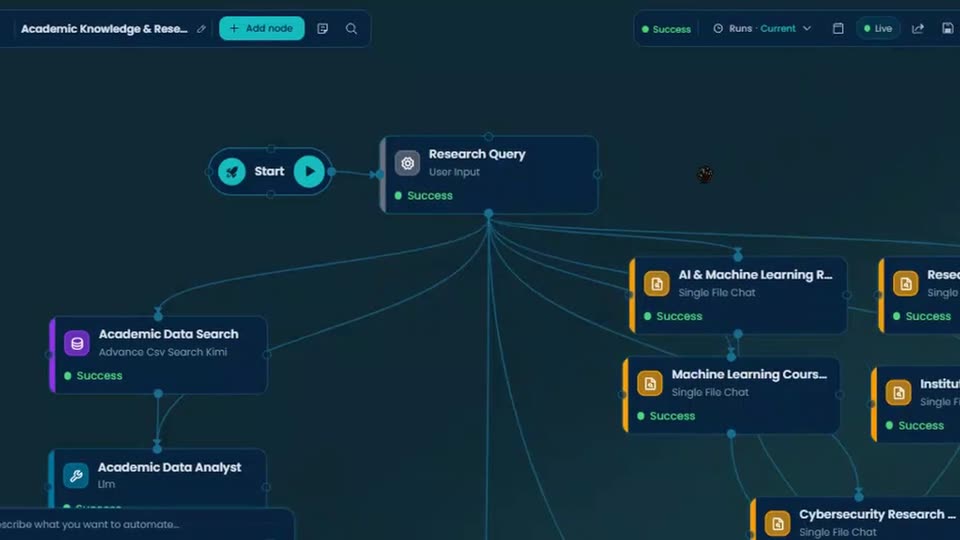 2:15
One workflow reads the papers and the data together and cites every claim back to its source.
Explore this demo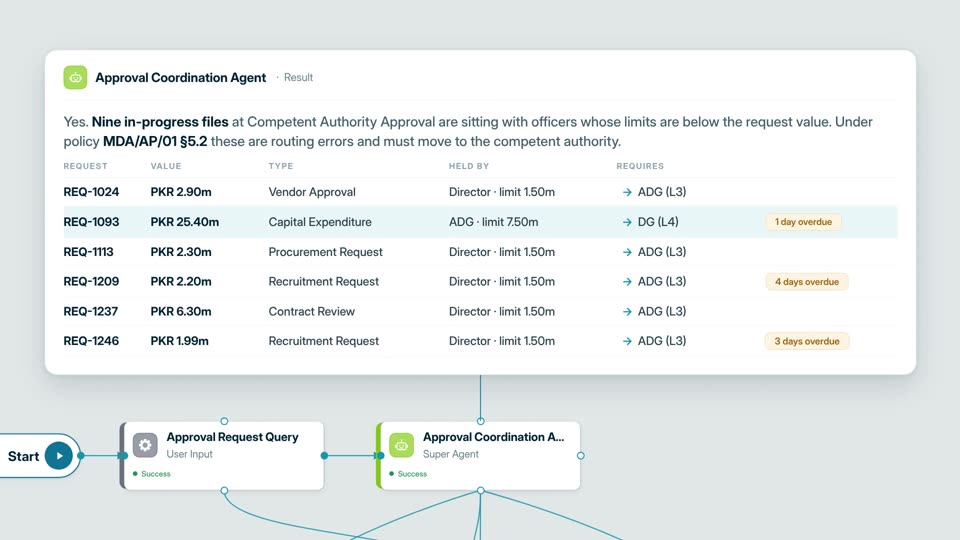 1:42
The agent finds files held by officers without the authority to approve them, then escalates each one with the paperwork.
Explore this demo