A query from the control room
Which outages require switching or isolation before work begins?
 NORIKERAll demos
One query sorts active outages by what each is waiting on, then sends the dispatch report to the right people.
FinBlade AI · Produced by ICS Nett · Sample data
See this with your own dataDuring an outage event the control room tracks dozens of jobs. Each waits on something different: a crew, switching authority, or confirmed isolation. Sorting them by hand costs time when time matters most.
The critical dispatch report lists every outage with what it needs next. Safety holds are called out separately. Crews get the right brief, and supervisors see the whole picture.
Which outages require switching or isolation before work begins?
It finds the active outages and sorts them by what each one is waiting on.
Critical and immediate, routine planned work, or a safety review.
Each path builds its own document and sends an email alert with the report attached.
This Workflow AI use case plans outage work and dispatches field crews from the first query to the brief in the crew's inbox. It starts at the user input node, the bridge between the control room and the workflow, carrying each query in from the front end. A super agent takes it from there, choosing its own tools and working from the outage records attached to it. Here, it finds 34 active outages that need switching and isolation before repair work can begin, and sorts them by what each one is waiting on. 21 are waiting on a crew. 5 have the crew dispatched and switching authorized, but isolation not yet confirmed. 1 is held on a feeder with hospital generator backfeed risk. The decision node then routes the inspection down one of 3 paths. Critical and immediate, where a major outage, a substation or feeder failure, or an affected hospital needs a crew now. Or routine planned work, or a safety review. Each path builds its own document, converted straight to PDF with the page size, the margins, and the type set on the node. And each one goes out as an email alert, with the subject, the recipient, and the report attached. The critical dispatch report comes out as a working document, every outage listed with what it needs next. One query in, and the right crews, the right paperwork, and the right alerts out.
Company names, people, and figures in these demos are illustrative. Your configuration, data access, and deployment are defined during scoping.
 1:25
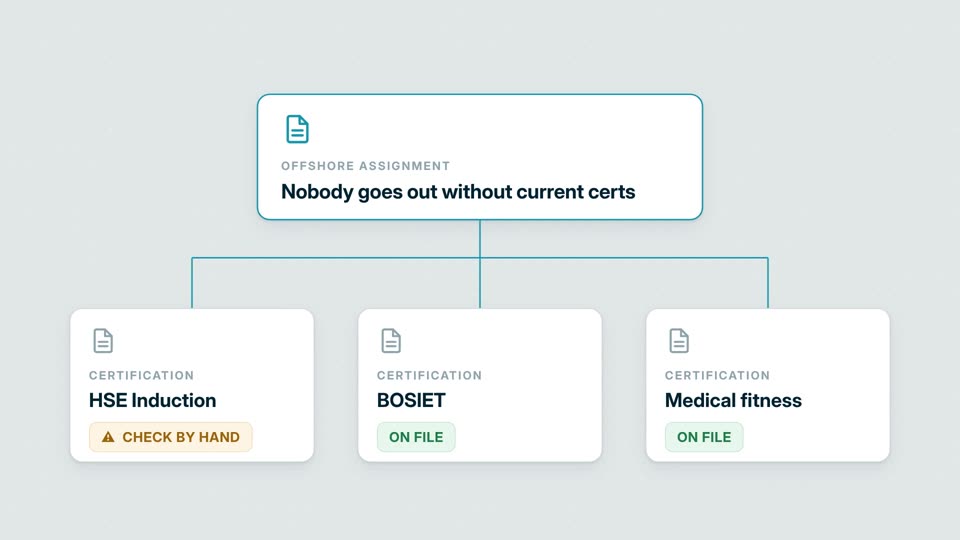
Training, permits, and medical certificates are checked together. The answer is dated, and the right report goes out.
Explore this demo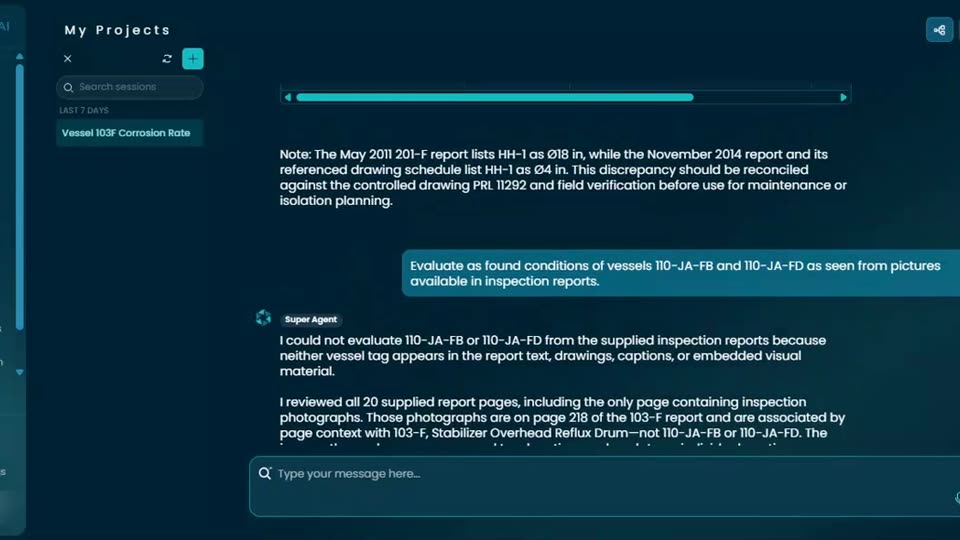 1:28
Engineers ask about corrosion and remaining life. Answers come from the report pages, and the assistant says when the data is missing.
Explore this demo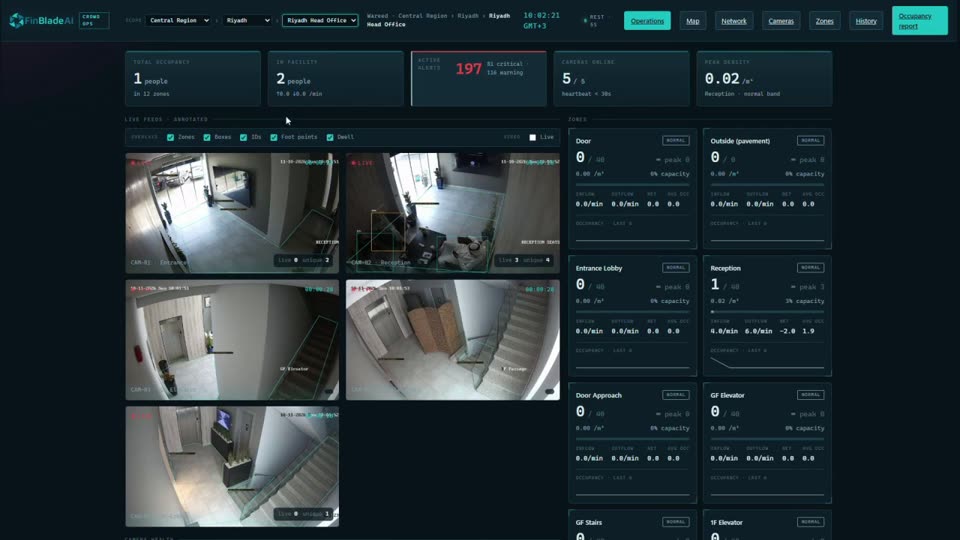 2:54
Existing security cameras become live data: occupancy, restricted zones, alerts, and vehicle locations across a whole network.
Explore this demo