Batch the forms
A batch processor takes all the forms and passes them through one at a time.
 NORIKERAll demos
Scanned forms in two languages are read, and the fields you name are pulled into one table for review.
FinBlade AI · Produced by ICS Nett · Sample data
See this with your own dataPaper forms still arrive every day. Someone types each one into a system, field by field. Handwriting, tick boxes, and a second language make it slow and error-prone.
Three steps replace manual data entry. The people who typed forms now review a table. The same pattern applies to intake packets, applications, and claims.
A batch processor takes all the forms and passes them through one at a time.
The OCR step reads each scan in both languages. Tick boxes are included, and the second language is preserved.
Each column is defined in plain language, such as: extract the name of the applicant.
The result is a single table with one row per form, ready for a person to check.
This Workflow AI use case digitizes handwritten bank forms like this one in English and Urdu. It runs in 3 steps: batch processing, OCR, and data extraction. The batch processor takes all 7 forms and passes them through one at a time. The OCR node reads each scan in both languages, using its most accurate model. The handwriting comes back as readable text, tick boxes included, with the Urdu preserved. The Data Extractor then builds a table from the OCR results, with one row for each form. Each column is defined in plain language, Like, extract the name of the applicant. The same goes for the CNIC number, contact number, and annual income. The result is a single table of applicants, names, CNIC numbers, phone numbers, and salaries, ready for review. Paper forms digitized in one workflow.
Company names, people, and figures in these demos are illustrative. Your configuration, data access, and deployment are defined during scoping.
 2:08
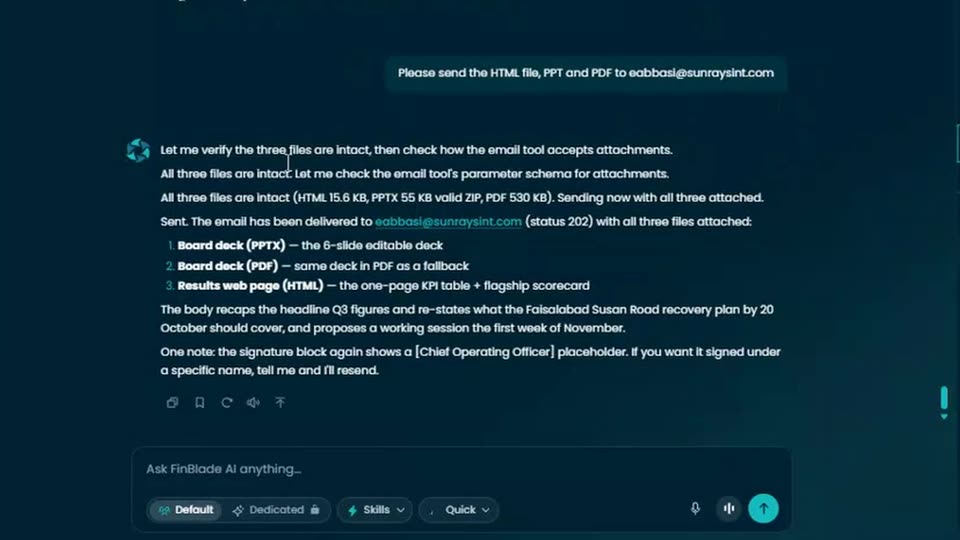
Ask about targets, chart a ratio, then send the deck, the report, and the summary by email. All in one conversation.
Explore this demo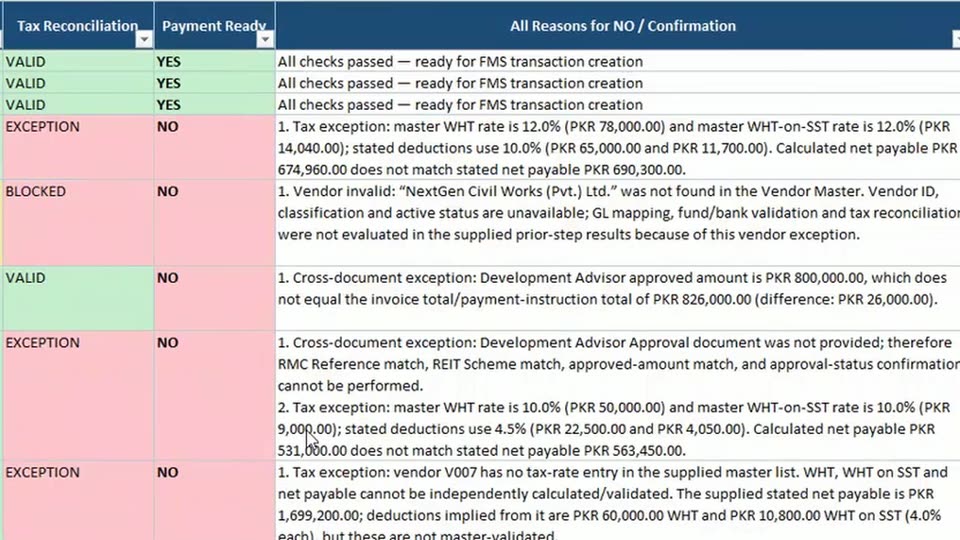 1:41
Each payment is matched against the invoice, the approval, and the vendor master. Every case gets a clear yes or no, with the reason.
Explore this demo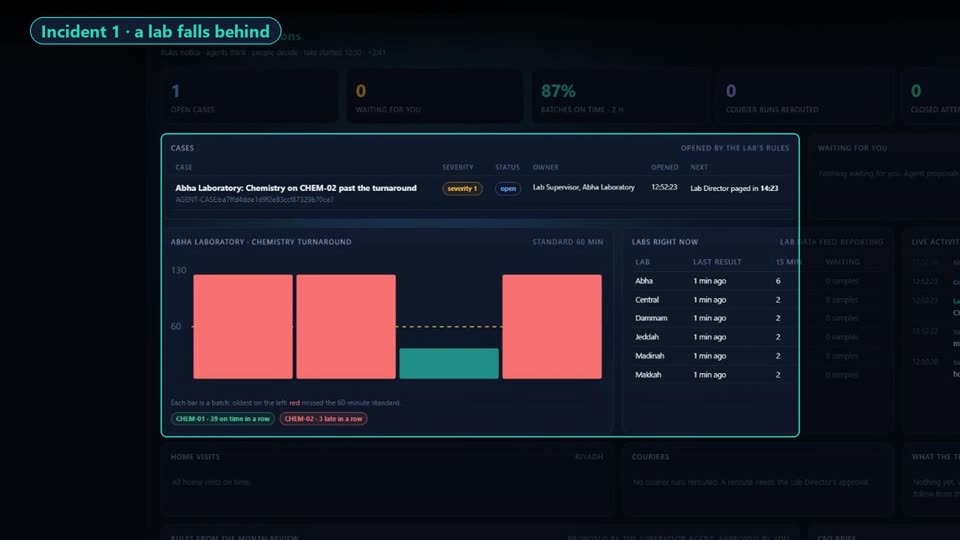 2:26
A lab network hits four problems in one day. AI agents spot each one, propose a fix with the evidence, and wait for a named person to approve.
Explore this demo